
Posing app and AI pose coachWhere do your hands go?
Pose Ready is a posing app. Pick from 310+ poses, each with step-by-step direction and camera settings, then let the AI Pose Coach write you notes on your own photo.
Made in India. Your photos stay private.
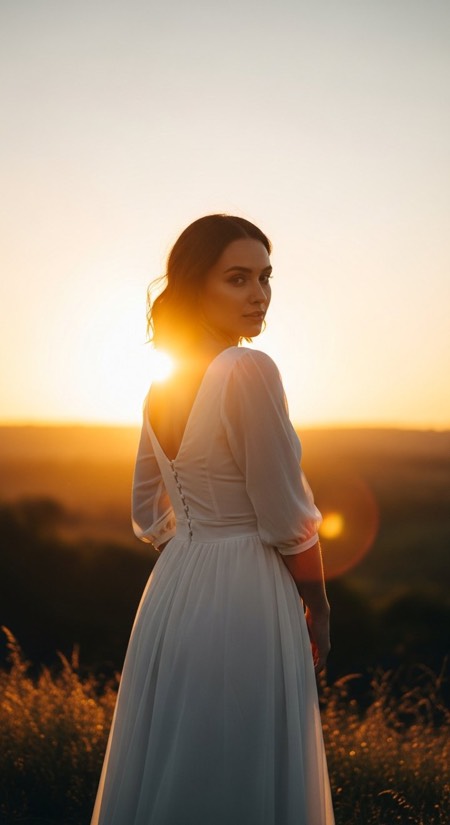 Shoulder Look Back50mm f/1.8 1/500s ISO 100
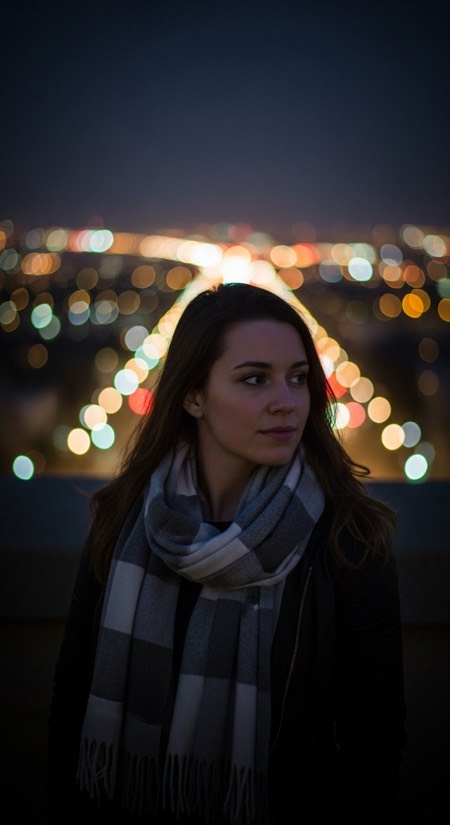 Bokeh City Portrait85mm f/1.4 1/125s ISO 1600
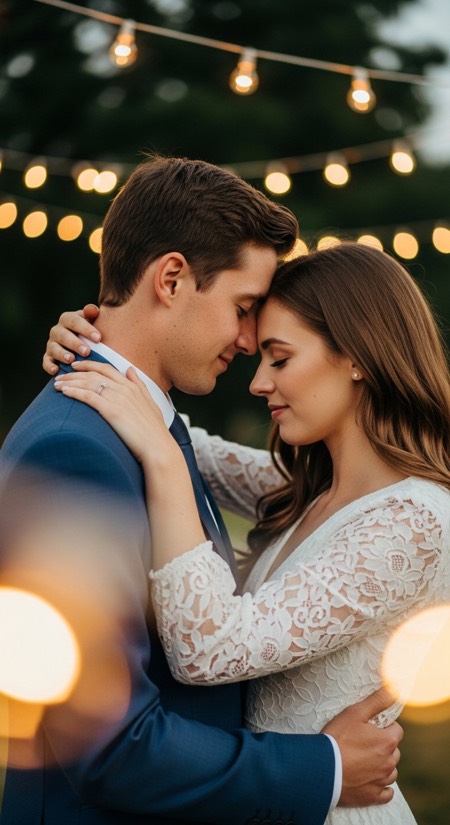 Dance Under String Lights50mm f/1.8 1/160s ISO 2000
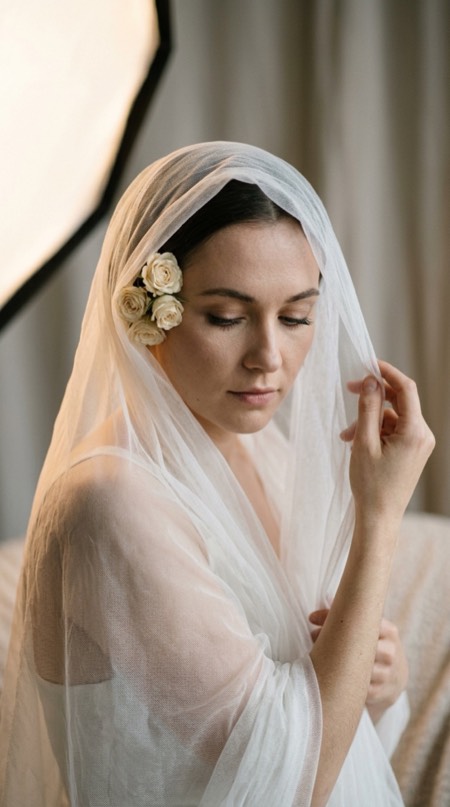 Flower Veil Close Up85mm f/1.8 1/200s ISO 200
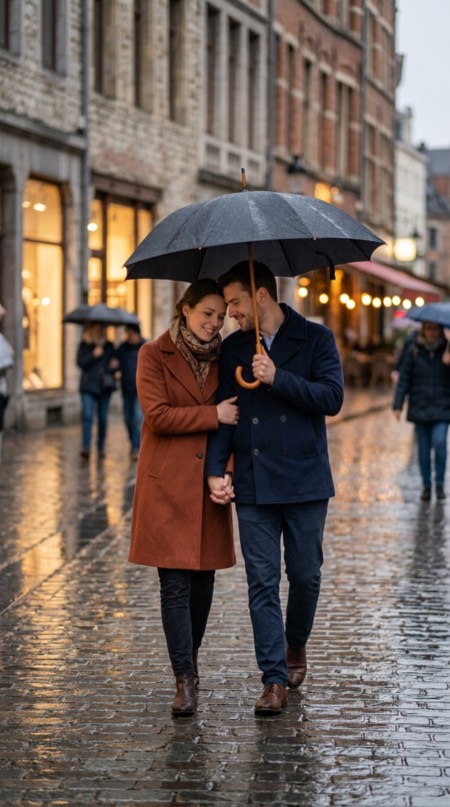 Shared Umbrella Walk50mm f/2.0 1/320s ISO 640
 Reading Together On Couch50mm f/2.2 1/250s ISO 640
Reference images are AI-generated. The camera settings shown are our recommendations for recreating each look.
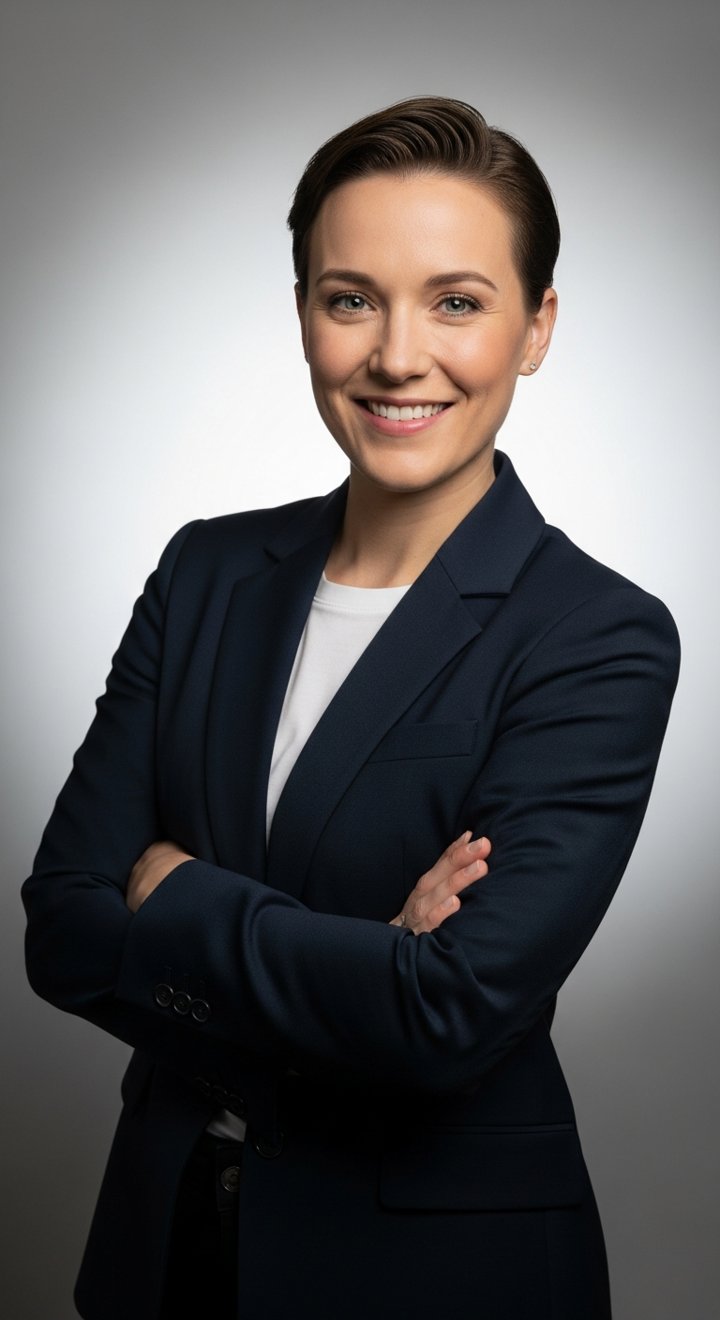
Every pose tells you exactly what to do.
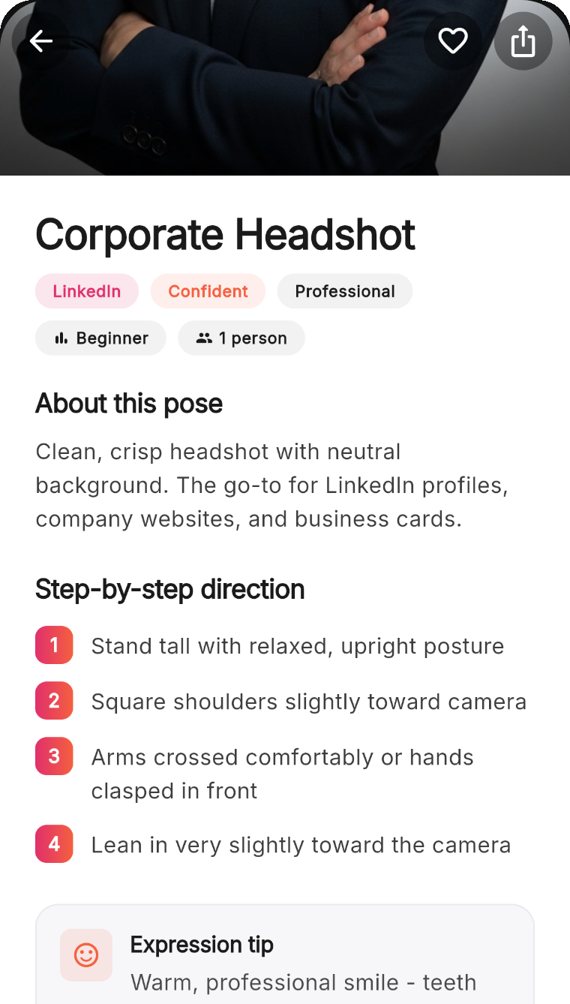
This is a real entry from the library, the same direction you get in the app. Read it out to a client, a partner or yourself.
Corporate Headshot
- Stand tall with relaxed, upright posture
- Square shoulders slightly toward camera
- Arms crossed comfortably or hands clasped in front
- Lean in very slightly toward the camera
Expression
Warm, professional smile - teeth visible but not exaggerated.
Camera angle
Strictly eye-level to convey parity and trust.
- Focal length
- 105mm
- Aperture
- f/4.0
- Shutter
- 1/250s
- ISO
- 200
Lighting
Dual softbox butterfly lighting with a hair light from behind.
How it works on a shoot.
-
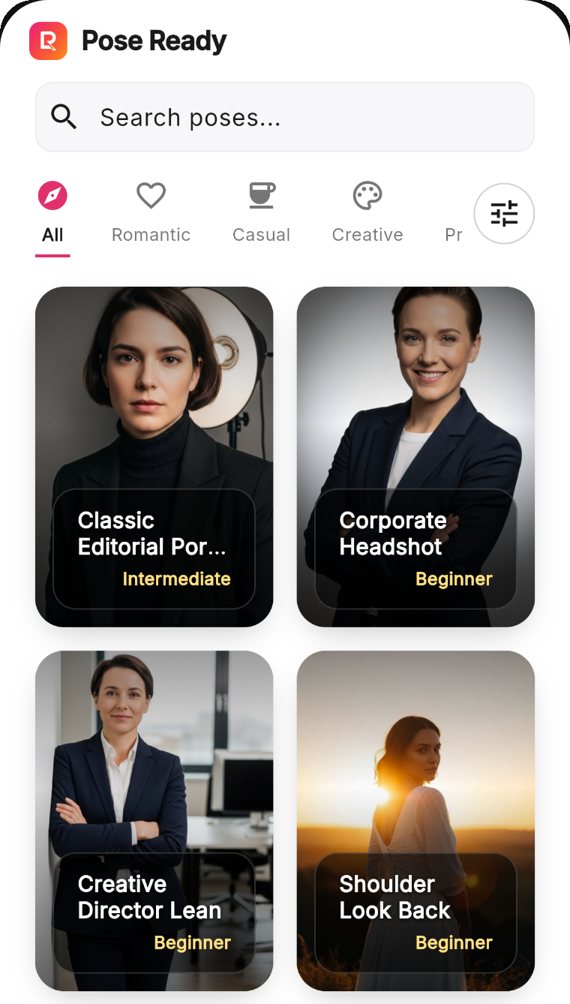
Pick a pose
Filter by occasion, mood, location, props and number of people. Save the ones you love to favourites and pull them up in one tap mid-shoot.
-
Set the scene
Match the listed camera settings, light and angle, check the suggested props, then follow the body cues step by step.
-
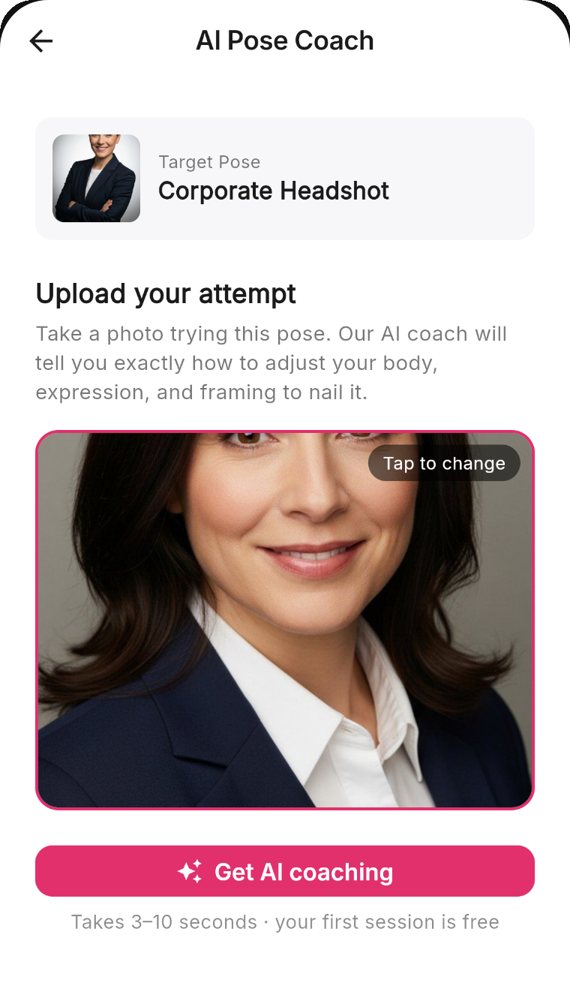
Get AI feedback
Upload your shot and get specific notes on body, framing and expression, starting with the one change that matters most.
Then show the AI Pose Coach your photo.
Take a photo or upload one you already have. The coach reads your posture, framing and expression, and writes back what to change on the next take. It gives you notes only. It doesn't edit your photo or make new images.
- Your first session is free, no card needed.
- Your photo is never used to train AI models.
Example showing the format of a coaching note
Top fix
Drop your front shoulder and bring your eyes a touch above the lens.
Try on the next take
Move your weight onto your back foot. Step a little further from the wall so it doesn't crowd you.
Already working
Your hands look relaxed. Keep them where they are.
A posing app for both sides of the camera.
Photographers
Running out of pose ideas mid-session, while the couple gets stiff and the light goes.
The pose library and filters
Models
Not knowing what your shoulder line is doing until you see the photo, when the shoot is already over.
AI Pose Coach feedback on your photo
Creators and couples
Wanting a polished shot with no director on set to tell you what to do.
Step-by-step direction
Pose ideas for the shoot you have coming up.
Filter by occasion, category, who's in the photo and difficulty.
See the whole libraryThe pose library is free.
Free
$0forever
- Every pose and its direction
- Filters and favourites
- Camera settings on about half the poses
- One AI coaching session, no card required
Premium
$29.99one payment, no subscription
- Everything in Free
- Camera settings on every pose
- Lighting and equipment notes
Premium Plus
$4.99a month, or $39.99 a year
- Everything in Premium
- Up to 30 AI coaching sessions a day, while subscribed
- Your full coaching history
Paid plans are bought in the iOS app, billed by Apple. Android purchases are coming soon. Your account carries over to every device. Prices are shown in US dollars. The App Store charges in your own currency, and the price it shows before you confirm is the one you pay. You can cancel a subscription any time in your store settings.
Guides
Who makes this

Karan Bindal, founder of Bindal Infotech, makes Pose Ready in India. If something is wrong or missing, email hello@poseready.com.
Frequently asked questions
Can't find what you need? Email hello@poseready.com or use the support form.